Build an Ethereum Wallet PnL Tracker in Node.js (20 minutes, no dependencies)
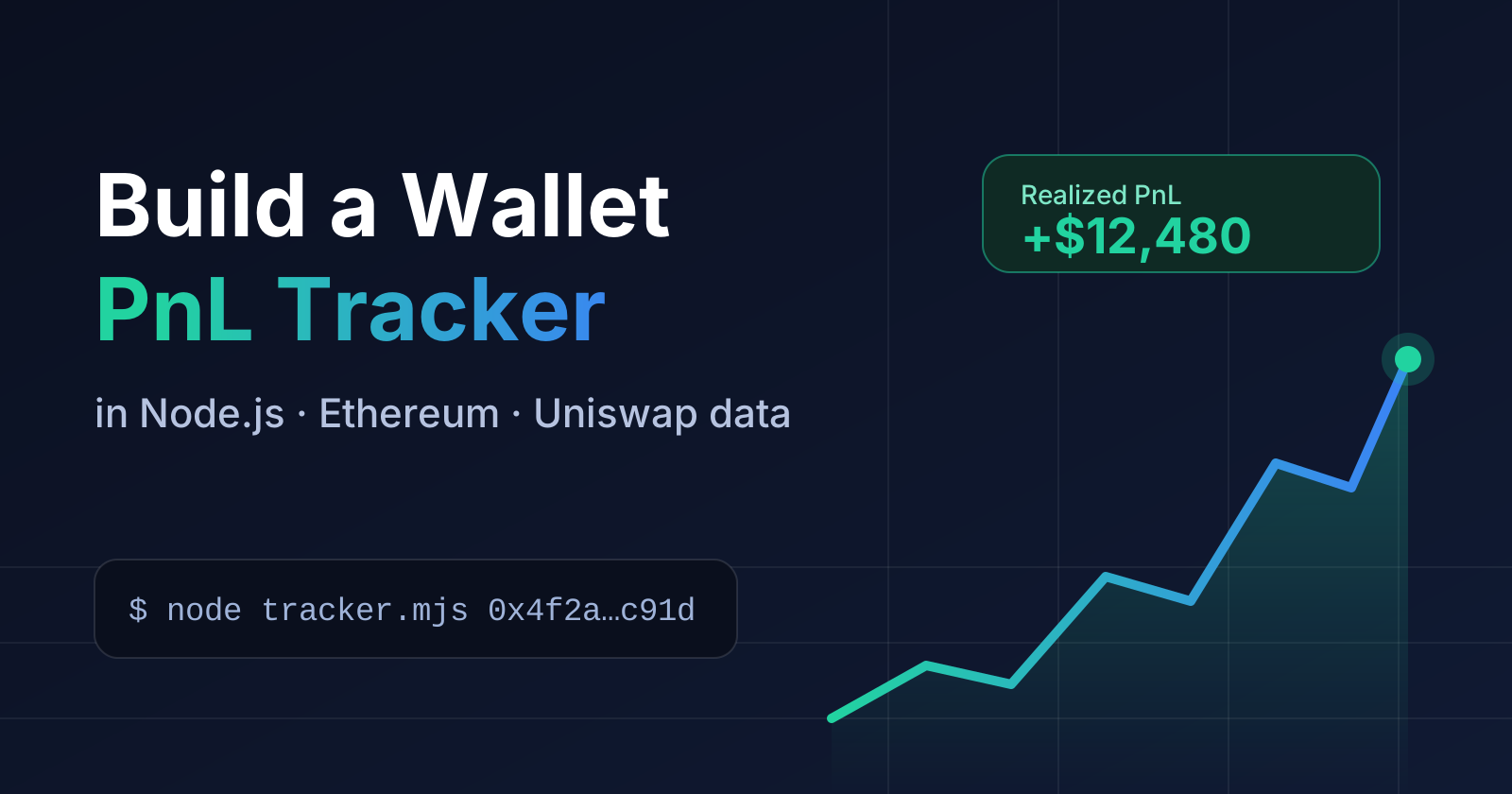
Want to know whether a wallet is actually profitable? Most explorers show balances, but not profit and loss per token. In this tutorial you'll build a small Node.js script that takes any Ethereum wallet address and prints:
- net worth, realized and unrealized PnL, win rate
- current holdings with average buy price and unrealized PnL
- PnL for every token the wallet traded
- the wallet's latest Uniswap buys and sells
No node, no indexer, no database. The data comes from the DexMarketCap API, which indexes every Uniswap V2, V3 and V4 pool on Ethereum. The script has zero dependencies and needs Node 18 or newer (for the built-in fetch).
1. Get an API key
- Open the DexMarketCap API on RapidAPI and subscribe to the free (BASIC) plan.
- Copy your
X-RapidAPI-KeyandX-RapidAPI-Hostfrom the code snippet panel on the endpoint page.
Set them as environment variables so they never end up in your code:
export RAPIDAPI_KEY="your-key"
export RAPIDAPI_HOST="your-host-from-rapidapi"
2. A tiny API helper
Every endpoint returns { data, pagination?, meta }. Create tracker.mjs and start with a helper that sends the RapidAPI headers, retries when the API is briefly busy (503 with a Retry-After header), and turns errors into readable messages:
const KEY = process.env.RAPIDAPI_KEY;
const HOST = process.env.RAPIDAPI_HOST;
const wallet = process.argv[2];

if (!KEY || !HOST || !wallet) {
  console.error("Usage: node tracker.mjs 0xWalletAddress");
  console.error("Set RAPIDAPI_KEY and RAPIDAPI_HOST first.");
  process.exit(1);
}

async function api(path, params = {}, retries = 2) {
  const url = new URL(`https://${HOST}${path}`);
  for (const [k, v] of Object.entries(params)) url.searchParams.set(k, v);

  const res = await fetch(url, {
    headers: { "X-RapidAPI-Key": KEY, "X-RapidAPI-Host": HOST },
  });

  if (res.status === 503 && retries > 0) {
    const wait = Number(res.headers.get("retry-after") ?? 2);
    await new Promise((r) => setTimeout(r, wait * 1000));
    return api(path, params, retries - 1);
  }

  if (!res.ok) {
    const body = await res.json().catch(() => ({}));
    throw new Error(`${res.status} ${body?.error?.message ?? res.statusText}`);
  }
  return res.json();
}
3. Small formatting helpers
Percentages come back as 0 to 100, USD values as numbers and timestamps as unix seconds. Token amounts are strings, to keep full precision.
const usd = (n) =>
  n == null
    ? "-"
    : n.toLocaleString("en-US", { style: "currency", currency: "USD" });

const pct = (n) => (n == null ? "-" : `${n.toFixed(1)}%`);
const when = (t) => new Date(t * 1000).toISOString().slice(0, 16).replace("T", " ");
4. Fetch everything in parallel
Four endpoints give you the full picture. They don't depend on each other, so call them together:
| Endpoint | What it returns |
|---|---|
GET /wallets/{address} |
Net worth, PnL, volume, win rate |
GET /wallets/{address}/holdings |
Current balances with unrealized PnL |
GET /wallets/{address}/pnl |
Realized and unrealized PnL per token |
GET /wallets/{address}/swaps |
Latest buys and sells |
const [overview, holdings, pnl, swaps] = await Promise.all([
  api(`/wallets/${wallet}`),
  api(`/wallets/${wallet}/holdings`, { hideDead: true, limit: 10 }),
  api(`/wallets/${wallet}/pnl`, { limit: 10 }),
  api(`/wallets/${wallet}/swaps`, { limit: 10 }),
]);
hideDead=true leaves out worthless and dead tokens, so airdrop spam doesn't clutter the list.
5. Print the results
Start with the summary. Exchanges, routers and contracts come back with isKnownEntity: true and no portfolio, so handle that case first:
const o = overview.data;

if (o.isKnownEntity) {
  console.log(`${wallet} is a known entity (exchange, router or contract), no portfolio to show.`);
  process.exit(0);
}

console.log(`\nWallet ${wallet}`);
console.log(`Net worth:       ${usd(o.netWorthUsd)}`);
console.log(`Realized PnL:    ${usd(o.realizedPnlUsd)}`);
console.log(`Unrealized PnL:  ${usd(o.unrealizedPnlUsd)}`);
console.log(`Trades:          ${o.trades} across ${o.tokensTraded} tokens`);
console.log(`Win rate:        ${pct(o.winRatePct)} (${o.wins} wins, ${o.losses} losses)`);
Then the three tables. console.table does the layout for us:
console.log("\nHoldings");
console.table(
  holdings.data.map((h) => ({
    token: h.token.symbol,
    value: usd(h.valueUsd),
    "avg buy": h.avgBuyPriceUsd,
    "unrealized": `${usd(h.unrealized.usd)} (${pct(h.unrealized.pct)})`,
  }))
);

console.log("\nPnL per token (sorted by realized PnL)");
console.table(
  pnl.data.map((p) => ({
    token: p.token.symbol,
    bought: usd(p.bought.usd),
    sold: usd(p.sold.usd),
    realized: `${usd(p.realized.usd)} (${pct(p.realized.pct)})`,
    unrealized: usd(p.unrealized.usd),
    "last trade": when(p.lastTx),
  }))
);

console.log("\nLatest swaps");
console.table(
  swaps.data.map((s) => ({
    time: when(s.timestamp),
    side: s.side,
    token: s.token.symbol,
    value: usd(s.valueUsd),
    tx: s.txHash.slice(0, 12) + "...",
  }))
);
6. Run it
node tracker.mjs 0xYourWalletAddress
You'll get the summary followed by the three tables. That's already a working wallet tracker.
Know your plan limits
The free plan is meant for trying things out. Requests above your plan's limits are clamped, not rejected, and meta.limited: true tells you when it happened:
- BASIC: up to 10 rows for holdings and per-token PnL, and swap history for the last 24 hours.
- Higher plans return more rows and longer history. The overview adds a
biggestWinslist on PRO and up, and ULTRA and MEGA add token safety flags (honeypot, rugged, dead) and the realized PnL of each sell.
If you build on this, check meta.limited and show a hint in your UI when the data is cut off.
Where to go next
- Live updates. On PRO and above, request a stream ticket with
POST /stream/ticket, connect to the WebSocket and subscribe towallet:{address}to get the wallet's new swaps the moment they happen. - Pagination. Use
offseton holdings and PnL, andbefore(withpagination.nextBefore) on swaps, to page through everything. - A web UI. Wrap the script in an Express route or a Next.js API route and render the tables with any charting library. Keep the API key on the server.
- Token side. The same API has a rich list endpoint, so you can chart who holds a token. That's the topic of the next tutorial.
Try it on the free plan: DexMarketCap API on RapidAPI.
About the author
- Hi, I’m Sven (Sv3n), a freelance full-stack developer with 7 years of experience. I write about Rust, blockchain and DeFi data, Ethereum tooling and building real-world apps with Node.js, React and Flutter. I’m the lead developer at DexMarketCap, a DEX analytics platform. Portfolio: sv3n.dev | GitHub: github.com/Sv3nskie
Comments
Join the discussionWe are working on more data points and adding more dexes.